How to Fix Slow Wi-Fi
Speed up your wireless network
 Sarah Kim Updated 2025-12-10 20 min 7 steps
Diagnose and fix slow Wi-Fi problems with these proven troubleshooting steps. Get your internet speed back to normal.
20 min
Time Required
Free – $200
Estimated Cost
7
Steps
low
Safety
What You'll Need
Tools
Step 1 of 7
Test Your Speed
Run a speed test at speedtest.net near your router. Note your download and upload speeds. Compare to what you're paying for. If wired speeds are normal but Wi-Fi is slow, the problem is your wireless network.
Step 2 of 7
Restart Everything
Unplug your modem and router for 30 seconds. Plug in the modem first, wait 2 minutes, then plug in the router. This simple fix resolves most issues by clearing caches and re-establishing connections.
Tip
Set up a schedule to restart your router weekly automatically.
Step 3 of 7
Check Router Position
Place your router in a central, elevated location. Avoid closets, corners, and near metal objects. The ideal position is on a shelf, centrally located, with antennas pointed in different directions.
Common Mistake
Hiding the router in a closet or behind the TV blocks signal significantly.
Step 4 of 7
Check for Interference
Other electronics can interfere with Wi-Fi: microwaves, baby monitors, Bluetooth devices, and neighboring networks. Use a Wi-Fi analyzer app to find the least congested channel and switch to it in your router settings.
Step 5 of 7
Update Firmware
Log into your router's admin panel (usually 192.168.1.1 or 192.168.0.1). Check for firmware updates. Updated firmware often includes performance improvements and security patches.
Step 6 of 7
Check Connected Devices
Too many devices can strain your network. Disconnect devices you're not using. Check for unauthorized users in your router's device list. Change your Wi-Fi password if you see unknown devices.
Pro Tip
Create a separate 2.4GHz network for IoT devices and a 5GHz network for your main devices.
Step 7 of 7
Consider Upgrading
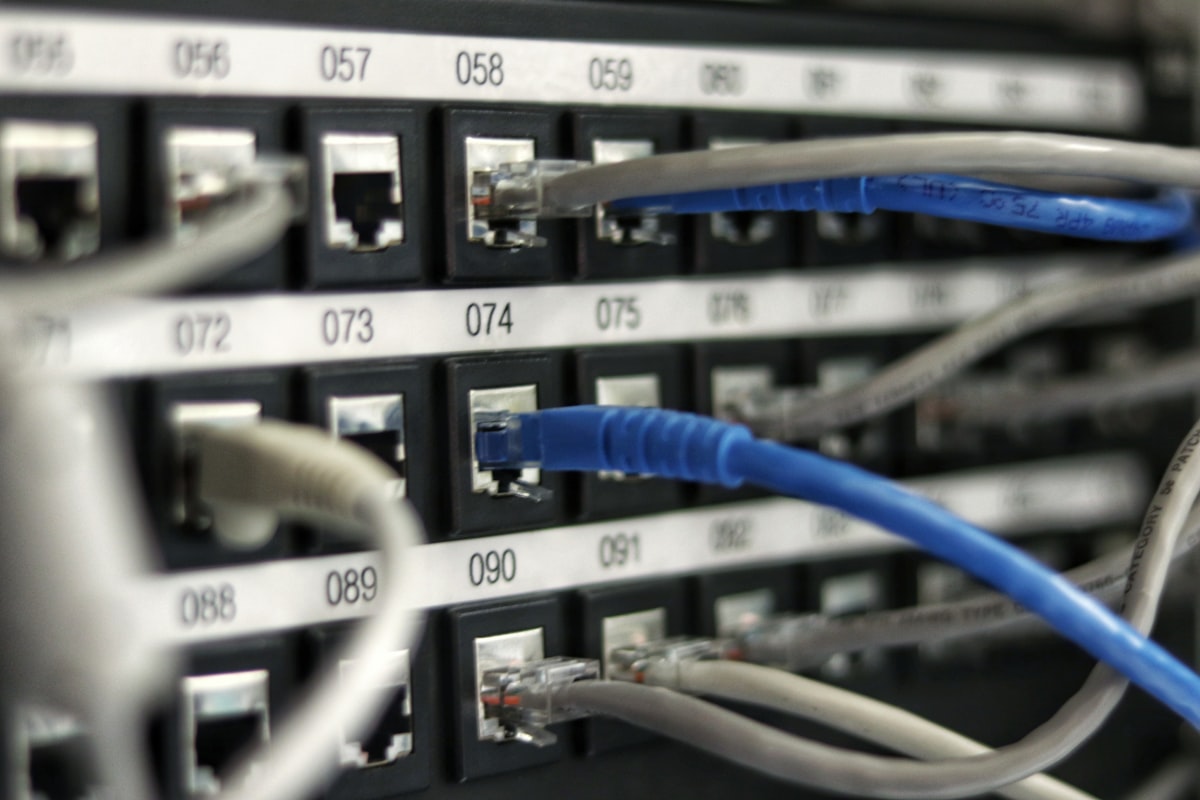
If your router is over 5 years old, consider upgrading to a Wi-Fi 6 or mesh system. For large homes, mesh routers provide better coverage than a single router. Run Ethernet to stationary devices like desktop PCs and smart TVs.
Tip
Wi-Fi 6E and 7 offer better performance in congested areas with many devices.